Tiny Desk AI video generator
Put anyone in the Outstanding Tiny Desk video.
Cast yourself, friends, or the whole group chat across five band roles. Upload photos, choose the stage, and make one vertical Tiny Desk-style performance.
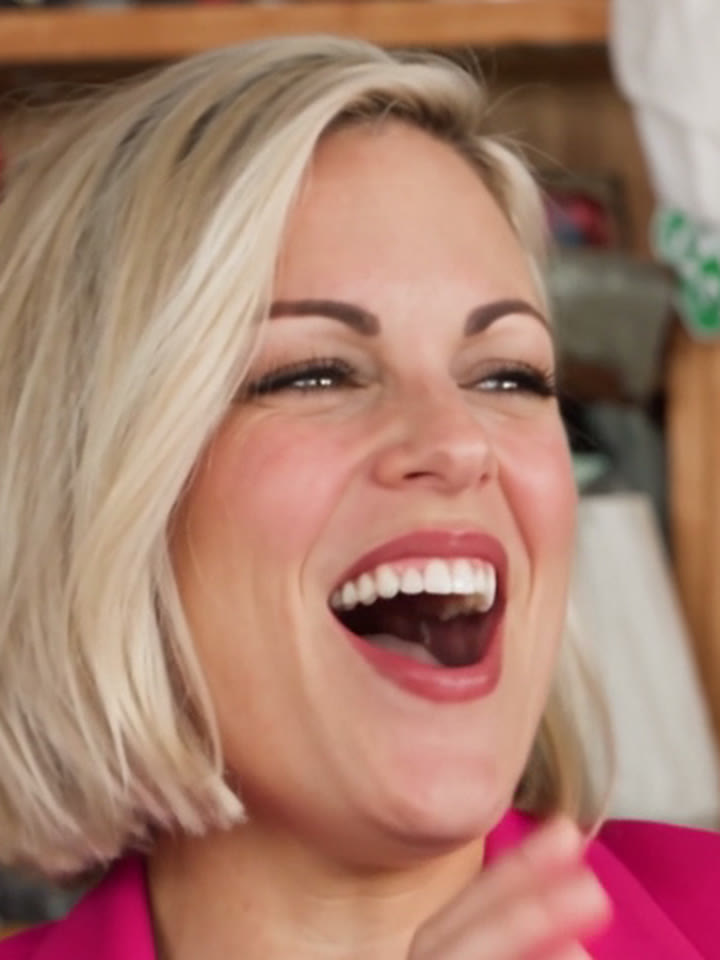
five roles · one cut
New band. Same desk.
- 1–5 photos
- Cast one role or the whole band
- 15 seconds
- One continuous performance cut
- 9:16 vertical
- TikTok, Reels, Shorts
- Tiny Desk-style
- AI-made parody performance
fixed performance guide
Each photo stays in its named role. Empty roles get different generated European adults while the built-in depth video locks the shots, timing, movements, and positions.
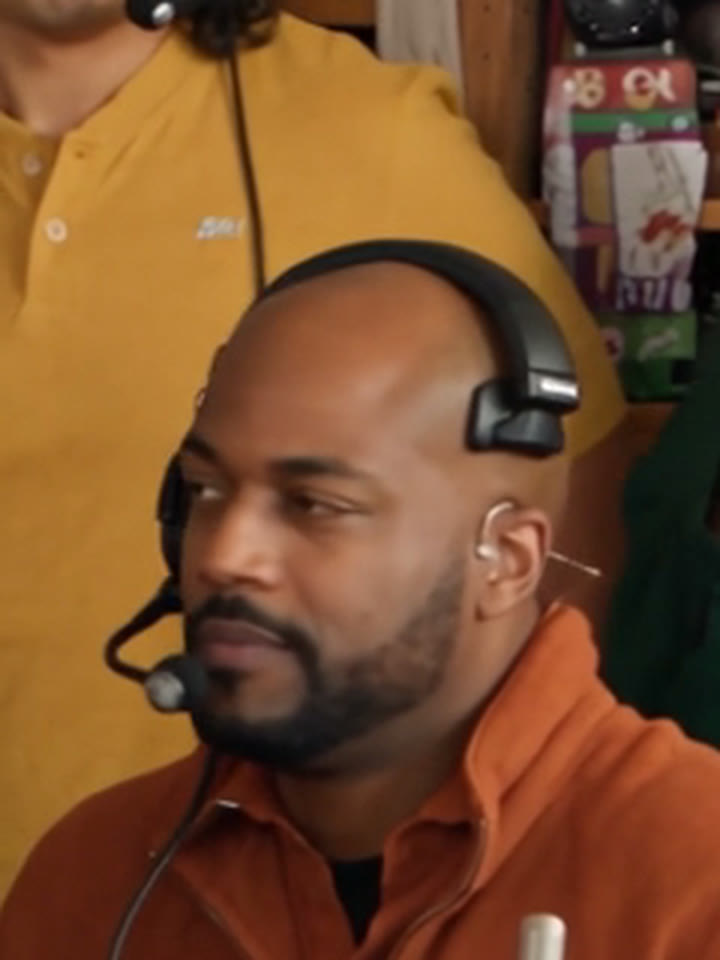
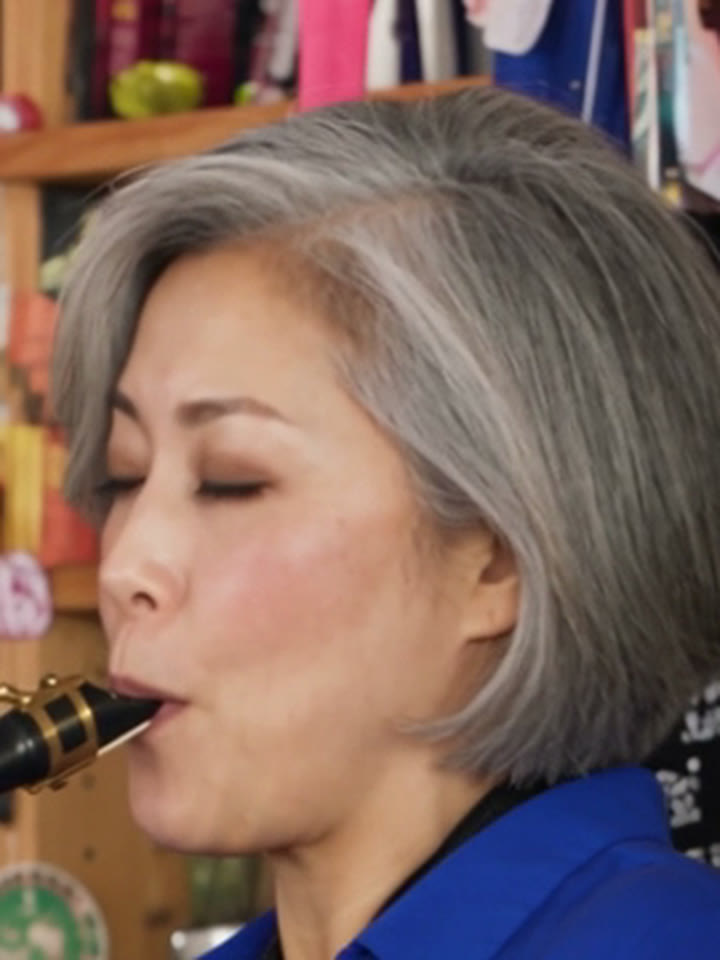
your photos 0/5 · selected roles stay locked
Tap a musician to add a face. Start with a clear, front-facing photo for each person you want on stage.
When your video is ready, we will send it to the email address you use to sign in. Please check your spam or junk folder too.
Sign in to make your videoone-time video credit · failed renders return a credit
Tiny Desk AI example
New Faces, Same Intimate Performance
A group of friends takes the lead microphone, sax, keys, and backing positions in one warm studio performance. The camera moves between close portraits and full-band shots while every performer stays in the role you chose.
- 01Lead vocal close-up
- 02Sax and keyboard cutaway
- 03Backing-vocal reaction
- 04One full-band finale
Step-by-step tutorial
How to Make a Tiny Desk AI Video
- 01
Pick your photos
Add one clear, front-facing photo for each person you want to cast. You can fill one role or all five.
- 02
Upload and confirm
Drop the photos into the maker on this page and confirm you have permission to use them.
- 03
Choose their places
Tap the stage to assign lead vocals, sax, keys, or a backing position to each photo.
- 04
Render your cut
Tiny Desk AI sends the assigned faces into one vertical performance render.
- 05
Share responsibly
Label the result as AI-made where a platform asks you to do so.
The meme
What Is the Outstanding Tiny Desk Meme?
The meme imagines unexpected people stepping into an intimate Tiny Desk-style performance. The best versions keep the cozy stage, the band chemistry, and the close-up energy while swapping who is holding each role.
Tiny Desk AI turns that idea into a guided video builder: select a band position, upload a clear photo, and make one vertical parody performance with your own cast.
Independent fan-made parody tool for Tiny Desk-style videos
How the Cast Comes Together
Step 01
The Outstanding Tiny Desk meme
Short AI edits turn the familiar small-stage performance format into a castable meme: a new singer at the mic, new musicians beside them, and the same close concert energy.
Tiny Desk AI
Step 02
Choose the lead
Start with one person at the center microphone, or use several photos to make the performance feel like your group chat took over the desk.
Your cast
Step 03
Fill the band
Assign sax, keys, and two backing positions. Empty places remain part of the stage composition so a single-photo video still works.
Five available roles
Step 04
Make one performance
Tiny Desk AI renders the musicians together in a single vertical cut instead of asking you to assemble a template by hand.
15-second vertical video
Solo or with a group
One Desk, Any Cast
Solo: one photo
Take the center microphone while the remaining places keep the stage full and balanced.
Group chat: up to five people
Give every friend a role, from lead vocal and sax to keys and backing vocals.
Keep a default band member
Leave any position unfilled to preserve the default performer in that part of the stage.
By hand or in one click
Make the Tiny Desk AI Video Without a Template
The manual way
- Find a template, isolate faces, and try to line up each replacement by hand
- Hope every person stays recognisable through cuts, instruments, and reactions
- Export, add sound, and re-edit when a role does not look right
The Tiny Desk AI way
- Tap the stage and add one photo for each person you want to cast
- Choose lead vocals, sax, keys, or backing spots before rendering
- Press Make Video to create one vertical performance cut
- Get the finished result in your account when rendering completes
Tiny Desk AI builds the performance around the roles you assign. It is an AI-made parody render, not a frame-for-frame copy of an original show or a fixed face-swap template.
Tiny Desk AI examples
One Small Stage, Your Own Cast
How it works
From Photos to the Desk
Cast up to five people into one small-stage performance while keeping every face assigned to its own role.
Pick your band
Add one clear photo for every person you want to put on stage.
Assign a role
Place each person on lead vocals, sax, keys, or one of two backing spots.
Make your video
Render one continuous 15-second vertical Tiny Desk-style performance.
Photo guide
Photo Tips for Tiny Desk AI
- One sharp photo per person, only that person in it
- Face clearly visible — it matters most
- Recent selfies work best: face forward, in good light
- Keep sunglasses, masks, and heavy filters out of frame
- Use one person per photo for the cleanest role swap
- No photos of minors
- Avoid group photos for an individual role
- No images used without consent
- Avoid sunglasses, masks, or heavily cropped faces
Good portrait input
Hard-to-process photo
Creator toolkit
Set Up a Better Desk Performance
Use each uploaded portrait only for its assigned band role in a warm Tiny Desk-style parody performance. Keep every face recognisable, preserve identity across cuts, and use a believable microphone, saxophone, keyboard, backing-vocal and full-band composition. Avoid real-show footage, logos, artist likenesses, text overlays, face drift, warped hands, duplicate people, and broken instruments.
Lead role identity
Your portrait keeps the performer recognisable.
Band role assignment
Each person stays in the role you selected.
Stage mood and camera motion
Warm lights, instruments, and intimate coverage.
Pay per video
Make a New Band When You Want
Buy credits once, then use them to render your Tiny Desk AI videos.
1 Video
$9.99one-time
$9.99 per video
- 1 Tiny Desk AI video
- Up to 720P output
- One-time purchase
3 Videos
$19.99one-time
$6.66 per video
- 3 Tiny Desk AI videos
- Up to 720P output
- One-time purchase
10 Videos
$49.99one-time
$5 per video
- 10 Tiny Desk AI videos
- Up to 720P output
- One-time purchase
FAQ
Tiny Desk AI: FAQ
Ready to Cast Your Band?
Upload one photo or fill every role, then make one 15-second Tiny Desk-style video.
Make My Tiny Desk VideoDisclaimer. This site is an independent AI tool and is not affiliated with, endorsed by, or connected to NPR, Tiny Desk Concerts, any artist, label, or original show. Videos generated here are AI-made Tiny Desk-style parodies, not original-show footage. You must own or have permission to use every photo you upload, and everyone depicted must be 18+. AI-generated results vary, so finished videos may differ from examples.
When your video is ready, we will send it to your registered email address. Please check your spam or junk folder too.